Skip to content
Techxpert · IT Solutions — Software, Tracking, BMS & Automation
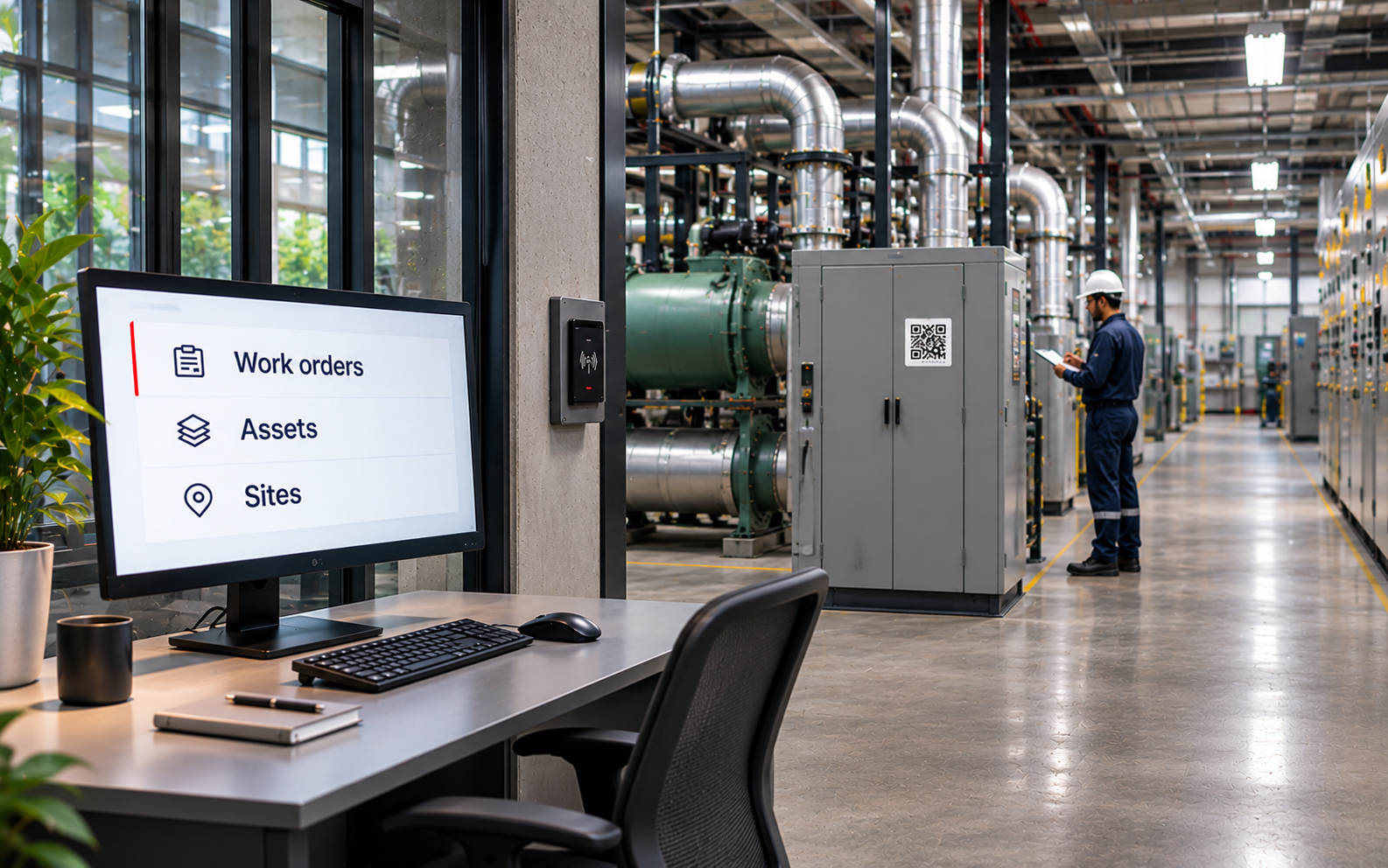
An industrial plant aisle opening into an operations control room.

Enterprise IT & Floor Automation

Technology that connects every part of your business.

Software built around your process, tags and sensors on your floor, and the workflows that move between them. One partner, one scope document, one support desk.

Software Core · Physical Tags & Sensors · Operating Workflows · Direct On-Site Support

One partner covers the software, the physical floor, and the work between them.

These are three jobs on one record. The software holds the process. The floor holds the tag or the sensor. The workflow is what happens when the two meet.

BuildSoftware built around the way you already work

Where a configurable platform fits, we configure it. Where the workflow is specific, we build it. Roles, approvals, and records follow your organisation, not a template.

  • Custom software for a named process: warehouse, procurement, production, and site material movement
  • ERP, HRMS, and operations and ticket platforms configured to your hierarchy and approval rules
  • Web, e-commerce, and Android and iOS applications on one login, one dataset, and one permission model
  • Deployment on infrastructure in your own account, so the system and its data stay yours

ConnectThe physical floor, tied to the record

QR, RFID, and GPS answer different questions. We choose per asset and per site, supply the hardware, and do the tagging on site.

  • QR and barcode for items scanned one at a time: furniture, IT assets, tools, and warehouse bins
  • UHF RFID at fixed gates and on handhelds for crates, pallets, baskets, and returnable items
  • GPS and cellular IoT for vehicles and mobile equipment that leave the site
  • Sensors, controllers, and edge gateways mapped to a building zone

AutomateWork that moves without a chase

Automation is attached to a queue, an approval, or a machine signal, and every step stays on one auditable record.

  • Multi-level approvals with amount limits, and single-level approvals where the process is simple
  • Minimum-stock alerts, and repeat requests that wait for a head-of-department approval
  • Alarm rules, SLA timers, and escalation, with tickets and work orders raised automatically
  • Email, WhatsApp, SMS, and push notifications, plus bridges to ERP, payment, telephony, and other APIs

A request raised on site is the request the store and the approver see. A scan on the floor updates the same asset the register already holds.

Software for a named process, or a platform configured to the one you already run.

Where a module fits the process, we configure it and leave the rest out. Where no module fits, the workflow is built. The account the system runs in is yours.

Custom software

Systems designed around a process a plant, store, or project team already runs. We write the scope down before we start, so what is included and what is not is never a surprise.

Enterprise resource planning

Finance, commercial, and operations modules configured around the company structure you already use. A deployment includes the modules in scope, not a fixed catalogue.

  • Finance and accounting
  • Sales and order management
  • Procurement and purchasing
  • Inventory management
  • Production and operations
  • HR management
  • Reporting and analytics
  • Business process management

Human resource management

Employee records and workforce administration shaped to your locations, shifts, and approval chain.

  • Employee information
  • Attendance and workforce administration
  • Leave management
  • Payroll-related workflows
  • Employee records
  • HR reporting

Operations and ticket management

An operational workflow engine, not only a helpdesk queue. Requests, dispatch, approvals, work orders, and closure sit on one record, and each department sees the same progress, limited by role.

  • Customer complaints and service requests
  • Internal employee requests
  • Task allocation and technician dispatch
  • Priority, SLA, and escalation
  • Approval workflows and work orders
  • Closure reports and operational analytics

Web, mobile, and cloud

Business websites. Public sites built for availability, careful handling of enquiries, and search performance, then kept under support after launch.

Android and iOS applications. Field and customer applications on the same login and permissions as the web system. Where a phone browser is enough, we say so and scope it that way.

E-commerce solutions. Catalogue, checkout, and inventory synchronisation, with payment and fulfilment integrity.

Cloud and server solutions. Hosting, backup, and failover with a named owner. Cloud and domain accounts are held in your name and paid to the provider directly.

AI and automation

Applied to live queues such as tickets, documents, and monitoring, where it shortens cycle time or cuts errors.

QR, RFID, and GPS answer three different operational questions.

The choice depends on the asset, where it sits, how far the read must reach, and whether a person scans it or a gate reads it. They are not substitutes.

QR and barcode

What is this item, and who has it?

  • ISO/IEC 18004
  • Phone camera
  • Offline-tolerant labels
  • Fits: Office furniture, IT assets, tools, and warehouse inventory, scanned one at a time.
  • What operations see: Registration, a digital asset register, allocation to a department or employee, transfers, location, audit history, and lifecycle reports.
Bulk movement through a gate. A person still has to scan each code.
A scan opens the asset record.01 // ASSET PLATE02 // FIELD APP SCAN03 // CLOUD REGISTERPLANT CHILLER 04STATION #1209:41LTE · 98%Techxpert Field● OnlineOptical Reticle: MatchedAHU-04 MotorNorth Campus · Basement 01✓ Sync to Cloud ERP4G · MQTTMaster Asset RegisterERP // LIVE SYNCASSET IDAHU-04-CMP-01EQUIPMENTChiller Compressor AHU-04LOCATIONNorth Campus · B1 (Zone 3)CUSTODIANPlant Operations / Shift AVERIFIED ON-SITE · 09:41:08
RFID

Did it pass through the gate, and when?

  • UHF Gen 2
  • Fixed gate
  • Handheld
  • Fits: Industrial equipment, pallets, baskets, and returnable transport items, at a fixed gate or with a handheld.
  • What operations see: Automated passage detection, movement history, last-seen zone, and alerts when something moves without authority.
Assets that leave the controlled site and need a position on the road. Identity at a gate is not GPS.
A gate reads the tag and writes the pass.01 // CRATE IN TRANSIT02 // 865MHz RF READ03 // LEDGER AUTO-POSTUHF PORTAL GATEUHF // PASSPortal Gate RegisterUHF // INBOUNDGATE LOCATIONGate 02 · North BayBATCH FEED#RT-99402 (Inbound Stream)INLAY TAGEPC-UHF-865-E280MOVEMENTRecorded · AuthorisedPASS AUTHORIZED · POSTED
GPS and IoT

Where is it now, and what state is it in?

  • Cellular IoT
  • Geofence
  • Sensor state
  • Fits: Vehicles, mobile equipment, and connected field infrastructure.
  • What operations see: Location or sensor state for assets that move beyond a building, or that need a condition reading, not only an identity.
A low-cost register of furniture that never leaves a floor. A sensor is the wrong tool for a chair.
Position follows an asset that has left the building.01 // FACILITY YARD02 // CELLULAR TRANSIT03 // GIS GEOFENCE MAPSITE FACILITYNorth Distribution YardGate #04 OutboundGEOFENCE BOUNDARYSITE GEOFENCE28.5355° N, 77.3910° ESpeed: 42 km/h · Temp: 4.2°C [OK]POSITION: OFF SITE (TRANSIT)

A building, read from organisation down to zone.

Each system can run on its own. Water, energy, generators, and treatment share one gateway. Fire reaches the alarm directly, and a command stays with the people allowed to send it.

A pump in the building plant crosses a threshold. The control room raises the alarm, and a technician comes to that same pump. Fire reaches the alarm on its own path.ZoneAdminReadCommandRuleAlarmTimerEnergyGatewayWaterTreatmentDGFireWork order

Connected infrastructure

Water, energy, generators, and treatment keep their own equipment and meet in one gateway, so those systems are watched together. Fire keeps a separate route to the alarm.

Rules and alerts

A rule compares a reading with a threshold you set. Crossing that threshold raises the alarm. The limit is configured for the site, not fixed in the equipment.

Response and escalation

The alarm goes to the person responsible. If the response time passes, it moves to the next person and a work order opens on that asset. Fire raises the alarm at once.

Access and control

Monitoring can read. An operator can send a command, and the command is logged. An administrator decides who may do either, by system and by site.

Multi-layer approval, set to the limits you use.

Start with one approver. Add a layer when the amount crosses a limit you choose, and another when the request repeats. Every layer sees the same record.

One shared request stays in the middle of the workplace. A manager approves it. A larger or repeated request brings in the department head. The store then takes the reserved material.RequestFirst approverAmountRepeatHeldDesk

Authority

Set the amount that opens the next approver, and how many approvals a request needs. A small request can stop with one person. A larger one can require the next role you name.

Desks

Name who may raise a request, who reviews it, who must approve it, and which desk fulfils it. Each desk works on the same record.

Trail

The raise, each approval, the reservation of stock or budget, and the fulfilment stay on one record.

  • Materials. A site or store request, with stock held until it is issued or released.
  • Purchases. The shortage the store cannot cover, carried forward as a purchase on the same request.
  • Work. A ticket or work order that waits for approval before anyone is dispatched.
  • People. Leave and exceptions that follow the approval chain the organisation already uses.

Discovery through ongoing support stays on one engineering desk.

From initial site survey and hardware mounting to software configuration, deployment, and ongoing annual maintenance.

Discovery through on-site handover on one engineering desk.01DISCOVERYSite & HierarchyWritten Scope Doc02DESIGNWorkflow Sign-OffScreen Prototypes03BUILDCustom & ConfigStaging Build04INTEGRATEHardware & APIsEnd-to-End Flow05DEPLOYOn-Site TaggingUAT Sign-Off06SUPPORTWarranty & AMCAnnual Contract

Organisations already on this desk.

Industry, healthcare, energy, and technology. The same record from the first request through close-out.

Adobe
EY
Google
Britannia
BlackRock
Aon
Fortis Hospitals
IBM
Cushman & Wakefield
Samsung
Uber
Vi
Wipro
Airbnb
IndianOil
Maruti Suzuki
Piramal
ONGC
CBRE
JLL

Tell us the operation, and we will write the scope.

Name the sites, what has to stay in your control, and which part you need. The reply comes from the desk that delivers it.

How a scope is held

  • The scope is written for the operation you name. The price covers that writing, and work outside it is a change request, estimated and approved before it starts.
  • What is excluded is written as plainly as what is included.
  • Acceptance is a written sign-off. The test steps are listed before work begins.
  • Accounts the system needs, such as hosting, a domain, or messaging, sit in your name. You pay those providers directly.
  • After acceptance, support is an annual maintenance contract, quoted separately.

Start a project

Tell us what you need. We'll get back to you shortly.

+91|

Verification